Res | Service Guide Template
Res Service Guide // Res Service Guide Template for Canva and Adobe InDesign
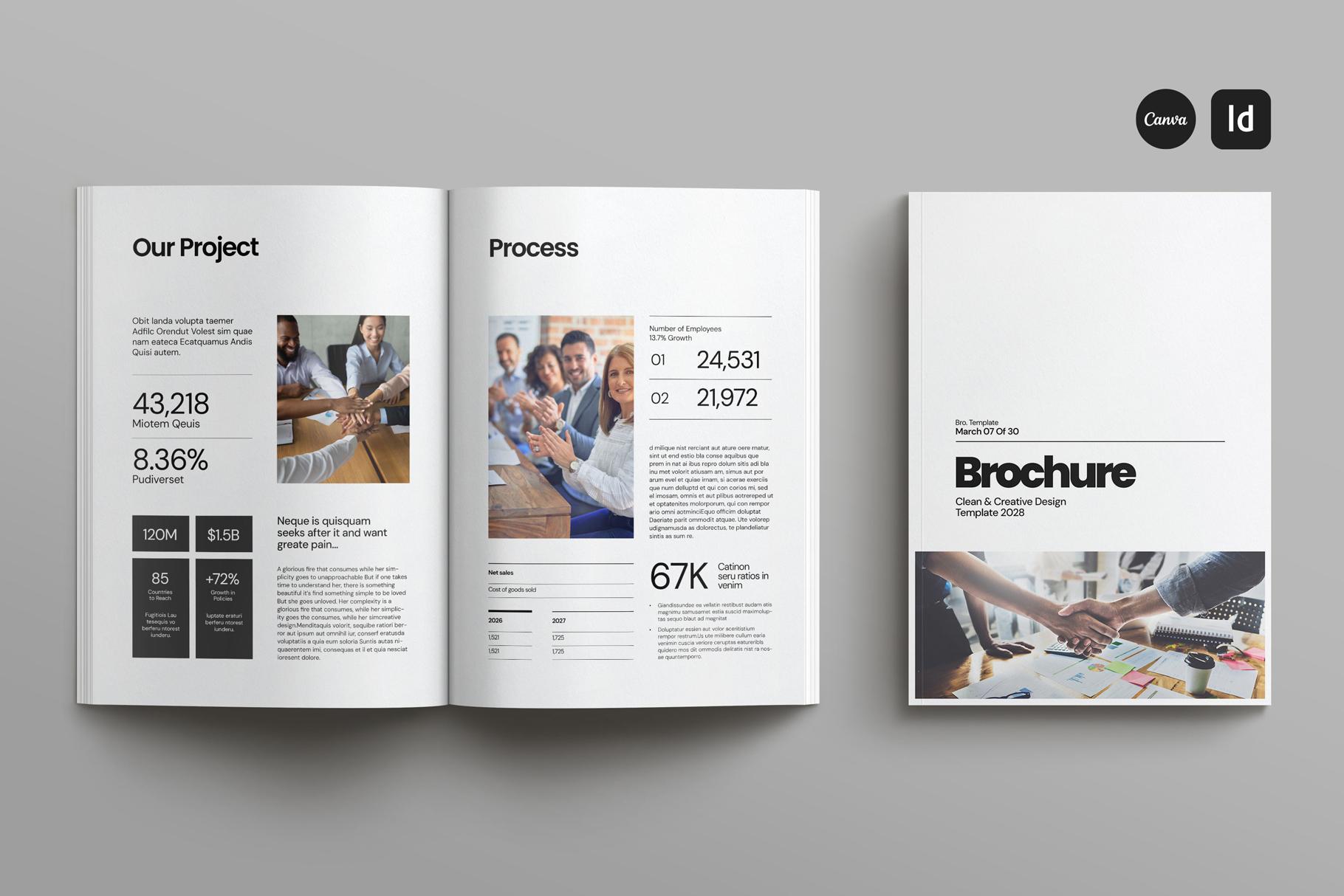
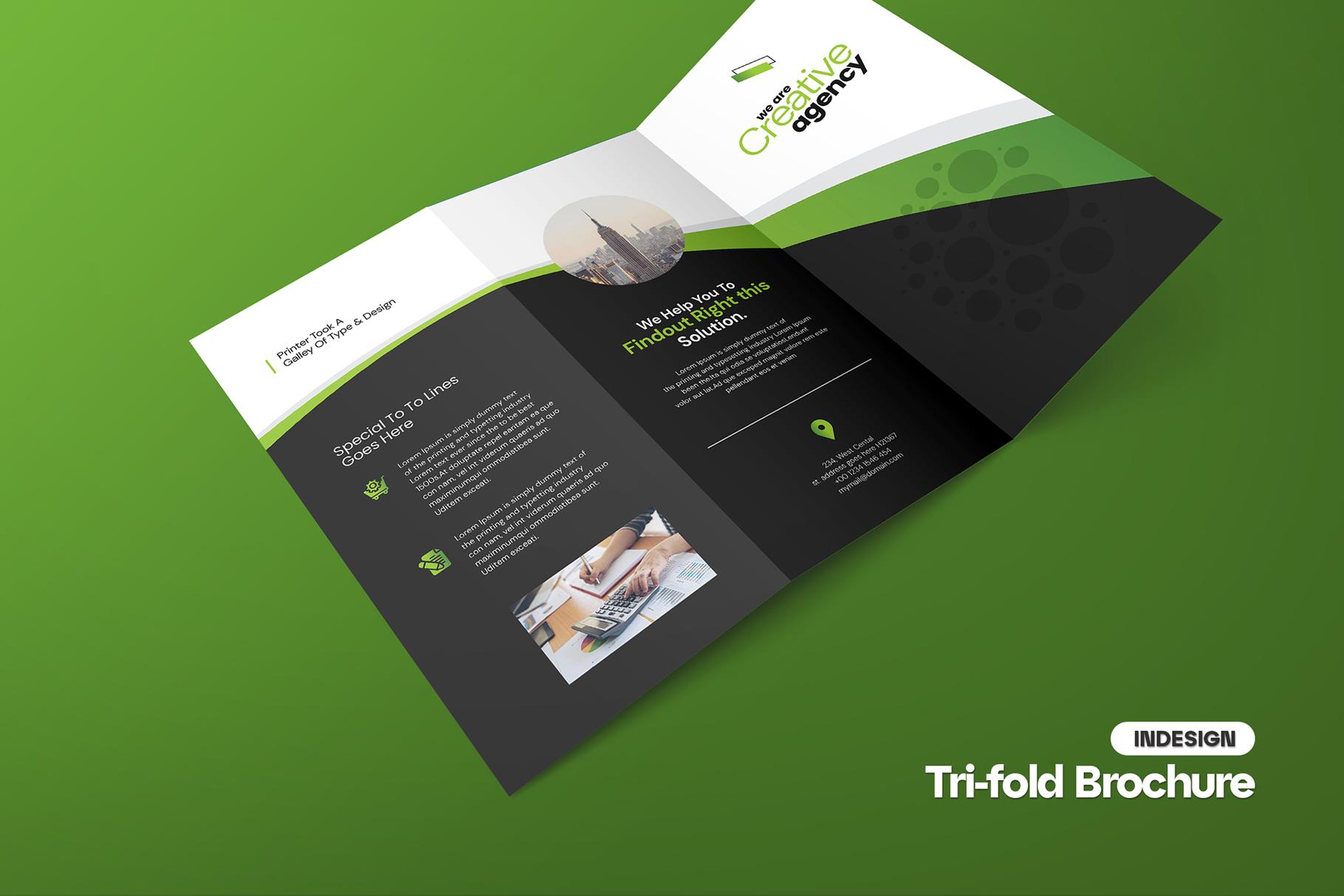
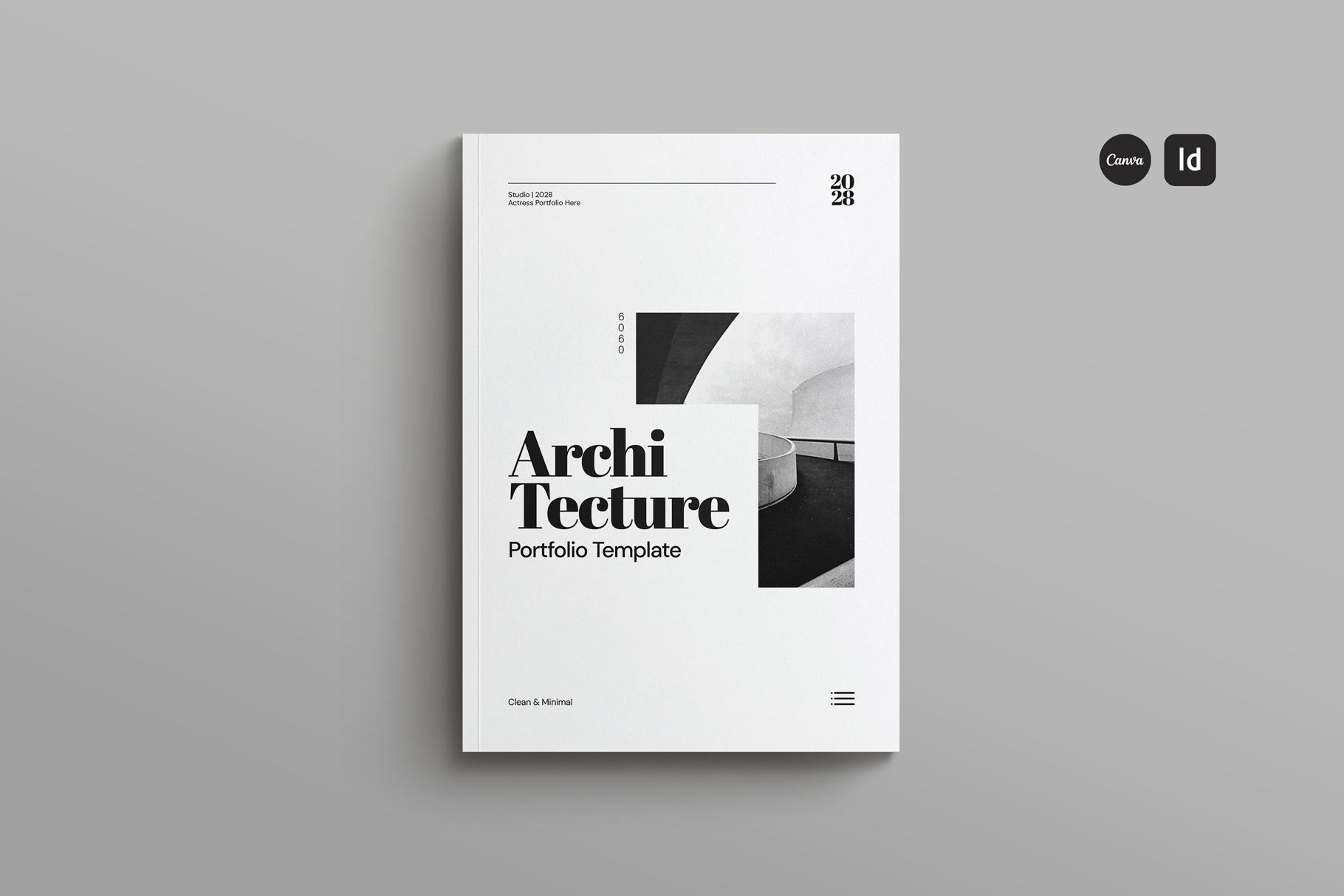
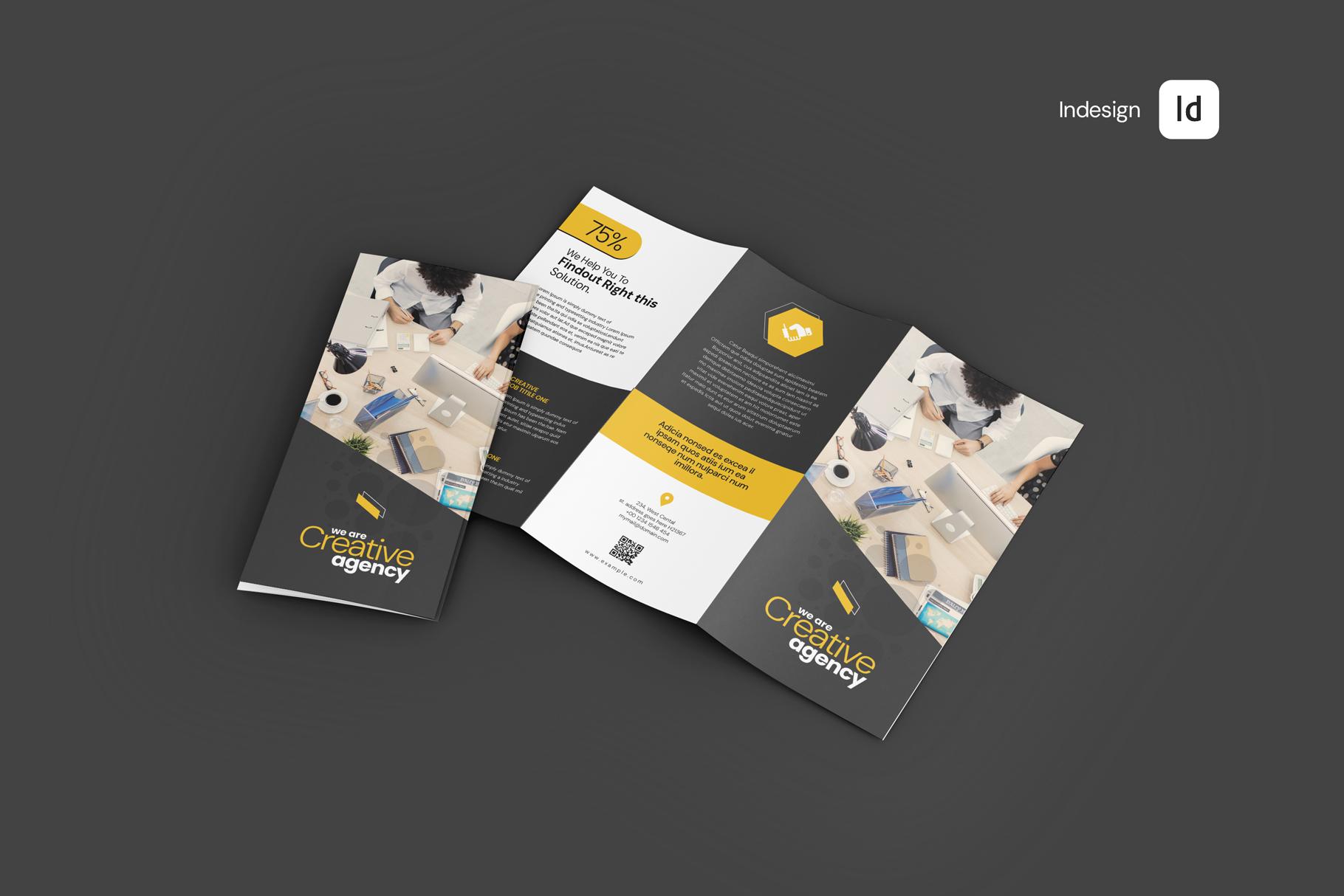
I designed this template with 27 unique customizable slides. I included text copy Guideline to help you write your Brand or Guideline (without sounding like anyone else)! I hope this template helps you craft a winning presentation for your clients.
This layout template is fully customizable so you can tailor it to fit your specific audience. All elements are resizeable. Change the colors easily to fit your brand, drag and drop photos, and even change the font if you choose!
You can use this template in Adobe InDesign or Canva. From Canva you can edit in PowerPoint, Keynote on Mac or Google docs.
NOTE:
Save time, energy and stress
Keep creative projects on track
Manage client expectations
Produce high-quality creative work- fast
Feel more organised
Delight clients
KEY FEATURES:
Master page Layout
Drag and drop photo replace
Adobe InDesign Template
Canva Pro Template
27 pages
Landscape Orientation
Designed for screen
Size: 1920 x 1080 pixels
Compatible with Adobe Indesign CS4, CS5, CS5.5 & CS6 & CC
Aligned to a 12 Column Grid
Layered Document
Easy to change fonts and colour palette
Free fonts - links in file
Help file included
Free fonts
SOFTWARE REQUIRED
- **InDesign** & **Idml** File
- **CANVA** File Template
What can I customize?
You can move, edit or change all the elements in our templates. The colors are fully editable so you can
change the palette to suit your need. Like all Studio Standard templates, it’s fully editable, utilizing character,
paragraph and object styles for easy font-style customizations too.
Use Fonts
The template uses free fonts and links to the fonts are included inside the download.
*IMPORTANT: This files are only editable in InDesign CS4 or higher! Images are NOT included. Used for preview purpose only.*

 English